Troubleshooting
Before You Pay for an Oven Sensor, Try the Free Adjustment
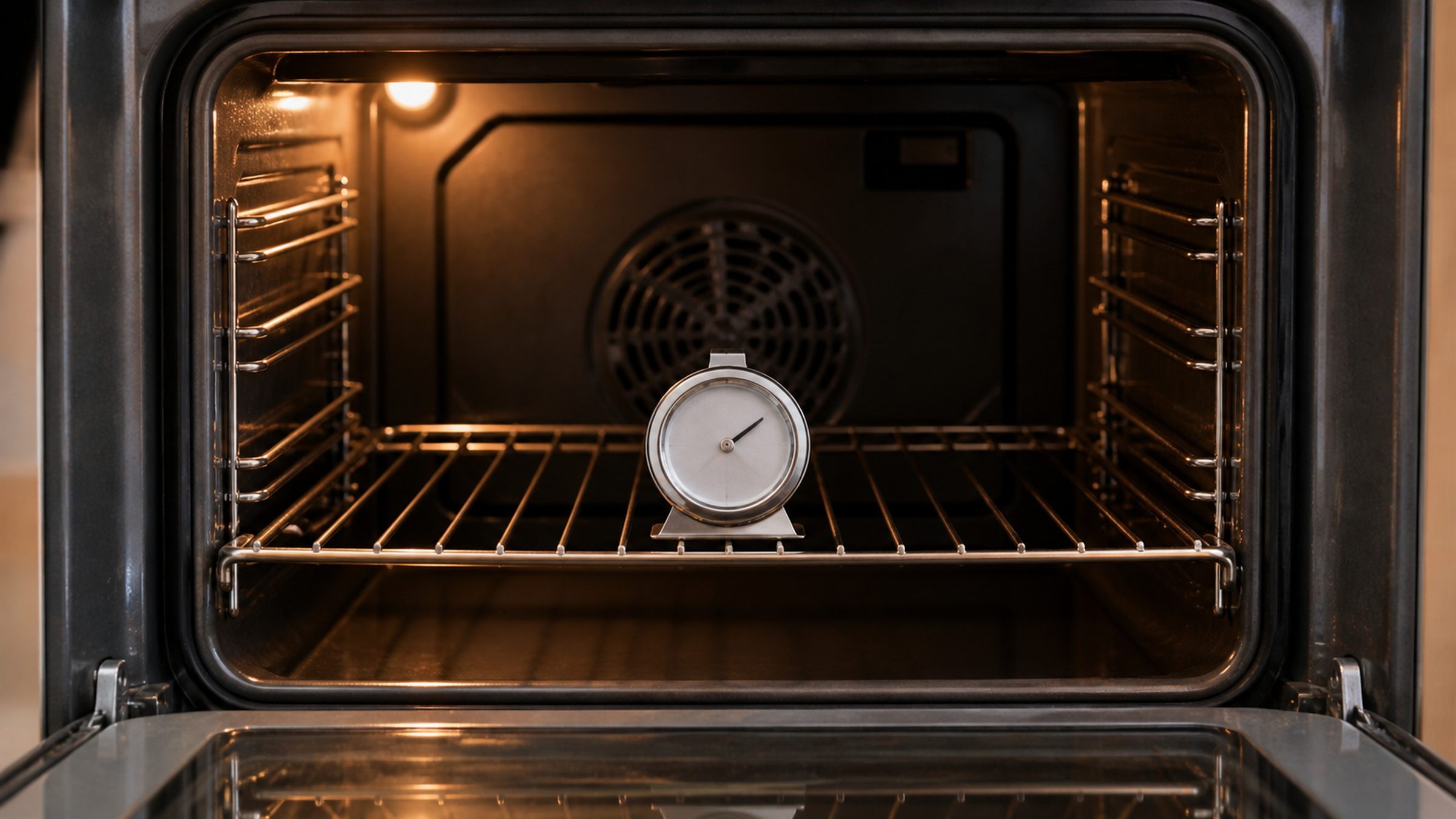
Buy an oven thermometer, hang it in the middle of the cavity, and test at two temperatures rather than one. Set 300°F, wait until the oven says it is there, then wait a further twenty minutes and read the thermometer. Repeat at 425°F. If the oven is out by roughly the same amount at both — 25 degrees cool at 300 and 25 degrees cool at 425 — that is calibration, and these controls have an adjustment built in that you can make yourself in a couple of minutes. If it is out by different amounts at the two temperatures, the sensor is reading non-linearly and calibration will not fix it: that is a part, and a modest one. If the oven cannot reach the higher setting at all, or takes far longer than it should, the problem is heat production rather than measurement — an element or its relay.
The full guide
Jenn Air oven temperature calibration is free, and every other page sells you a part
Search for an oven that runs cool and the first paragraph you land on will name the temperature sensor and quote a price. Sometimes that is right. Often it is not, and there is a free adjustment built into your control that nobody mentions because nobody makes money from it.
The test that tells the difference takes half an hour and costs the price of a thermometer, and the free adjustment behind it is on every JennAir wall oven and range with a digital control.
The Test
You need one thing: an oven thermometer — a hanging dial or a probe rated for oven temperatures. Not the instant-read probe from the drawer; it is not built to sit in there at 425°F.
Put it in the middle. Center rack, middle of the rack, empty oven. Near a wall or an element it reads that wall or that element rather than the air the food sits in.
Test at 300°F. Set it, and when the oven announces it has arrived, wait another twenty minutes before you read anything.
That wait is not optional and it is where most home diagnoses go wrong. An oven declares its setpoint when the sensor sees it, which happens well before the mass of the cavity — the walls, the racks, the door — has caught up. Read it at the beep and you will find a cool oven every time, whether or not there is anything wrong.
Then test at 425°F. Same rack, same twenty minutes. Write both numbers down.
Reading What You Got
Now the two numbers do the work.
Out by the same amount at both → calibration
Twenty-five degrees cool at 300 and about twenty-five cool at 425. The oven is measuring consistently and simply has its scale shifted. This is what the built-in calibration adjustment exists for, and it is free.
The adjustment is a documented owner setting on these controls, usually reached by holding the Bake or Temperature pad for several seconds until an offset value appears, then stepping it up or down. Your model's manual has the exact key sequence and it is worth reading rather than guessing, because the sequence varies across the range.
Write down the value you started from before you change it.
Out by different amounts → the sensor
Ten degrees cool at 300 and forty cool at 425. The sensor is not shifted, it is drifting — progressively more wrong the hotter it gets.
Calibration cannot fix this. An offset moves the whole scale by a fixed amount, and this error is not fixed. You need the sensor, which is a modest part and a straightforward job on most of these ovens.
This is also the failure mode that shows up shortly after a self-clean cycle, for the reason set out on the self-clean page: three hours at the top of its range is the hardest test that sensor ever gets.
Cannot reach the higher setting at all → heat production
If the oven sits well below 425 no matter how long you leave it, or takes an hour to get somewhere it used to reach in fifteen minutes, the problem is not measurement. Something is not producing or not holding heat:
- a bake element operating at reduced output, or one of two elements not coming on at all;
- a relay on the control not closing reliably;
- a door seal that has hardened, torn or compressed, letting heat out as fast as the element puts it in.
Check the gasket yourself first — run a finger along it, look for flat spots, tears and gaps at the corners. It is free, it is visible, and it is a surprisingly common answer.
What Is Actually Normal
Worth saying plainly, because people arrive at this page convinced their oven is broken when it is behaving like an oven.
Cycling is normal. The temperature does not sit still. It swings above and below the setpoint as the element switches on and off, and a swing of fifteen or twenty degrees either way is ordinary. If you watch a thermometer continuously you will see this and it is not a problem.
Some error is normal. Under about fifteen degrees is inside what recipes and habits absorb.
Preheat overshoot is normal. Many ovens deliberately run past the setpoint during preheat to compensate for the door opening. It settles.
Different from your last oven is normal. If the complaint is that things bake differently than they did in a previous kitchen, the number on the display may be perfectly right. That is a habits conversation, not a repair.
When to Call Instead
Run the test first — it is the first thing anybody will ask you for. Then call if:
- the two readings differ by different amounts and you would rather not fit the sensor yourself;
- the oven cannot reach the higher setting, or takes far too long;
- the results are inconsistent — different numbers on different days with nothing changed;
- there is anything else alongside it: a code, a smell, a new noise, an element that glows unevenly.
Bring both numbers to the call. Two readings and the twenty-minute wait is more diagnostic information than most people arrive with, and it frequently decides what goes on the van before anybody sets off.
Tell us the JennAir model number and the two figures you measured. Those three things decide whether we bring a sensor, and they are worth more than any description of the baking.
If it turns out to be a repair
What this leads to, and what it costs
Every job on this site is priced the same way: an on-site diagnostic first, the figure agreed in writing before anybody starts.
-
from $215 Oven heat & sensor repair
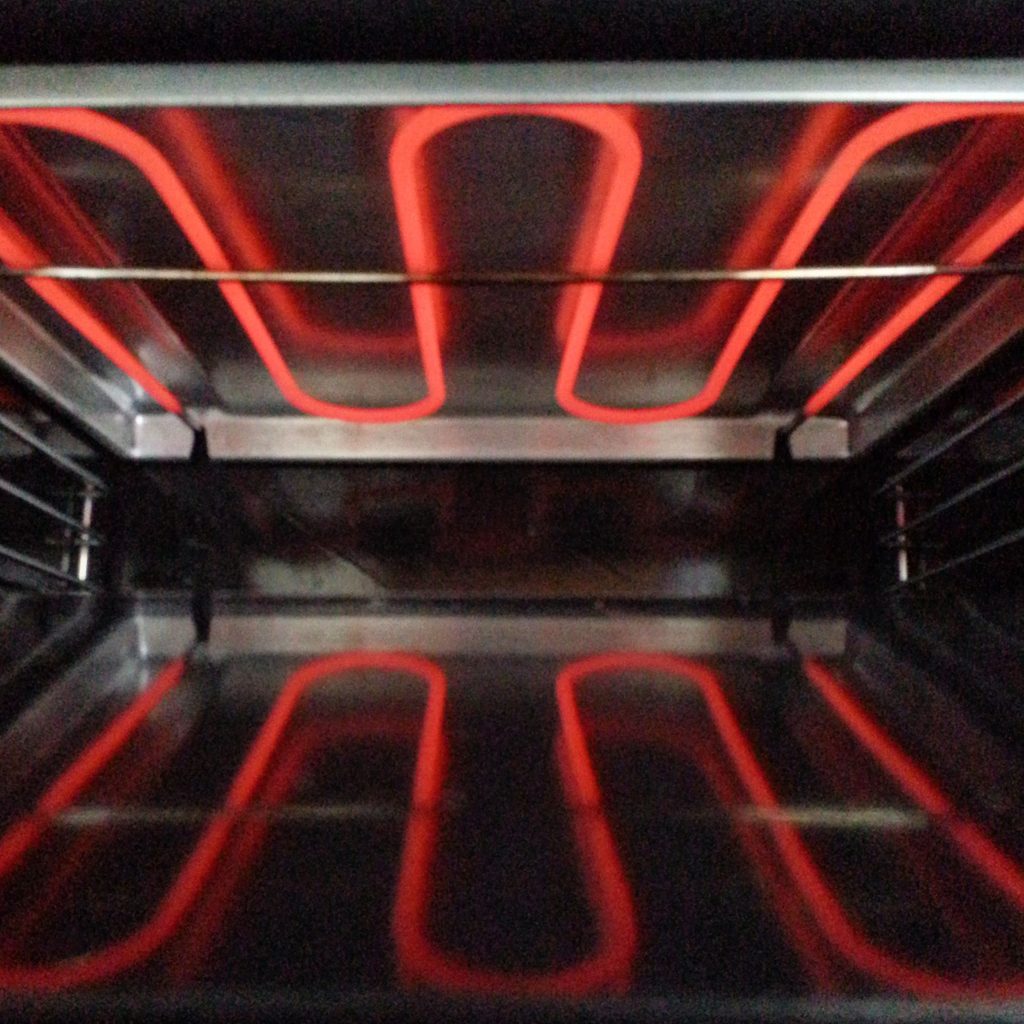
An oven running hot, running cold, taking far too long, or not heating at all — and the door that will not unlock after a self-clean. On a built-in oven the repair is often short and the access is the appointment.
- Calibration tried before any part is ordered
- Sensor, elements and convection measured under load
- The oven out of its housing and back in leveled
-
Single · Double · Microwave combination · Speed oven · V2 convection · 27" · 30" Wall ovens
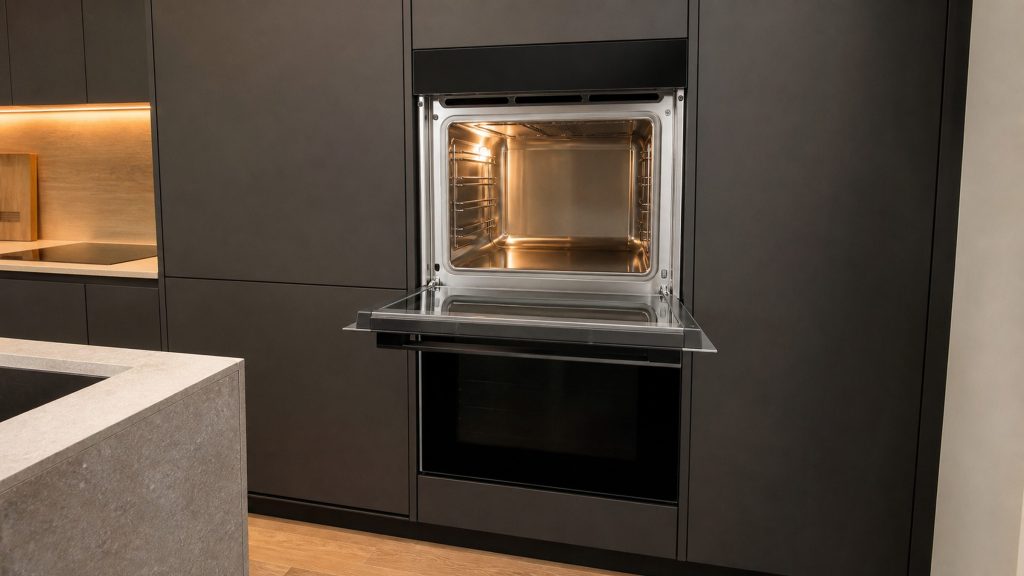
Twenty machines: single ovens, double ovens, the microwave-combination towers that are two appliances in one cabinet, and the speed ovens. Almost all of them are built into a run of cabinetry, which decides more about the appointment than the repair itself does — a wall oven has to come out of its housing before anybody can reach the back of it.
- Heating to the wrong temperature, or taking far too long to get there
- The convection fan running loud, or not running
- A control panel that lights and will not respond
Questions people ask about this
How far out is too far?
Most ovens run a little off and most cooking forgives it. Under about 15 degrees is within the range that recipes and habits absorb without anybody noticing. Twenty-five degrees is where baking starts going wrong in ways that look like something you did. Fifty is a genuine problem, and an oven that far out is usually telling you about a sensor rather than a setting.
Why two temperatures and not one?
Because one number cannot distinguish between the three causes, and this is the whole trick. A calibration offset shifts everything by the same amount — the oven is simply reading its own scale wrong. A drifting sensor does not: it is progressively more wrong the hotter it gets, so it might be 10 degrees cool at 300 and 40 cool at 425. That difference is the diagnosis, and it takes half an hour to find.
Is the calibration adjustment safe to make myself?
Yes. It is a documented user setting on these controls, not a service menu, and its whole purpose is to let an owner match the oven to a thermometer. It is usually reached by holding the Bake or Temperature pad until an offset value appears, and it steps in small increments. The one caution is to write down where it started, so you can put it back if you decide you preferred it.
My oven takes forever to preheat.
Time is a different measurement from temperature and it points somewhere else. A cavity that reaches the right temperature but takes far too long usually has an element that is working at reduced output, a heating relay that is not closing properly, or a door seal letting heat out as fast as it goes in. Check the gasket first — it is free, and a hardened or torn one is easy to see.
Everything I bake is browning on top and raw underneath.
That is not a calibration question at all. Uneven results point at airflow and element balance rather than at the number on the display: a convection fan that is not running when it should, a bake element failing while the broil element compensates, or racks in a position the recipe did not assume. Worth saying when you call, because it changes what we look at first.
Does a self-clean cycle affect calibration?
It can reveal a problem with it. A sensor that has drifted spends the entire self-clean at the very top of its range, and a fair number of temperature complaints arrive shortly after one. The cycle did not shift the calibration; it worked a marginal sensor hard enough to make the drift obvious.
Troubleshooting
More guides like this one
-
F2E1 Is Two Numbers. Reading It as One Loses the Diagnosis
Four characters on a small display, and almost everybody reads them as a single token. They are two halves with two different jobs, and treating them as one is how people end up looking up somebody else's problem.
Read more -
Storm Week: Most of These Appliances Are Not Broken
In the week after a storm a large share of the calls we take are appliances reporting an outage rather than failing. Three free steps clear most of it, and the least dramatic one is the one that fixes the most.
Read more -
Your JennAir Downdraft Runs and the Kitchen Still Fills With Steam
Five things stop a downdraft and three of them are not the appliance. Here is the order to check them in, starting with a test that costs nothing and a filter most people have never taken out.
Read more
Tell us the model number and what it is doing.
This article is based on:
- Official manufacturer documentation
- Internal repair procedures
- Technician repair history
- Company quality standards