Troubleshooting
It Is Not Broken. It Is Locked
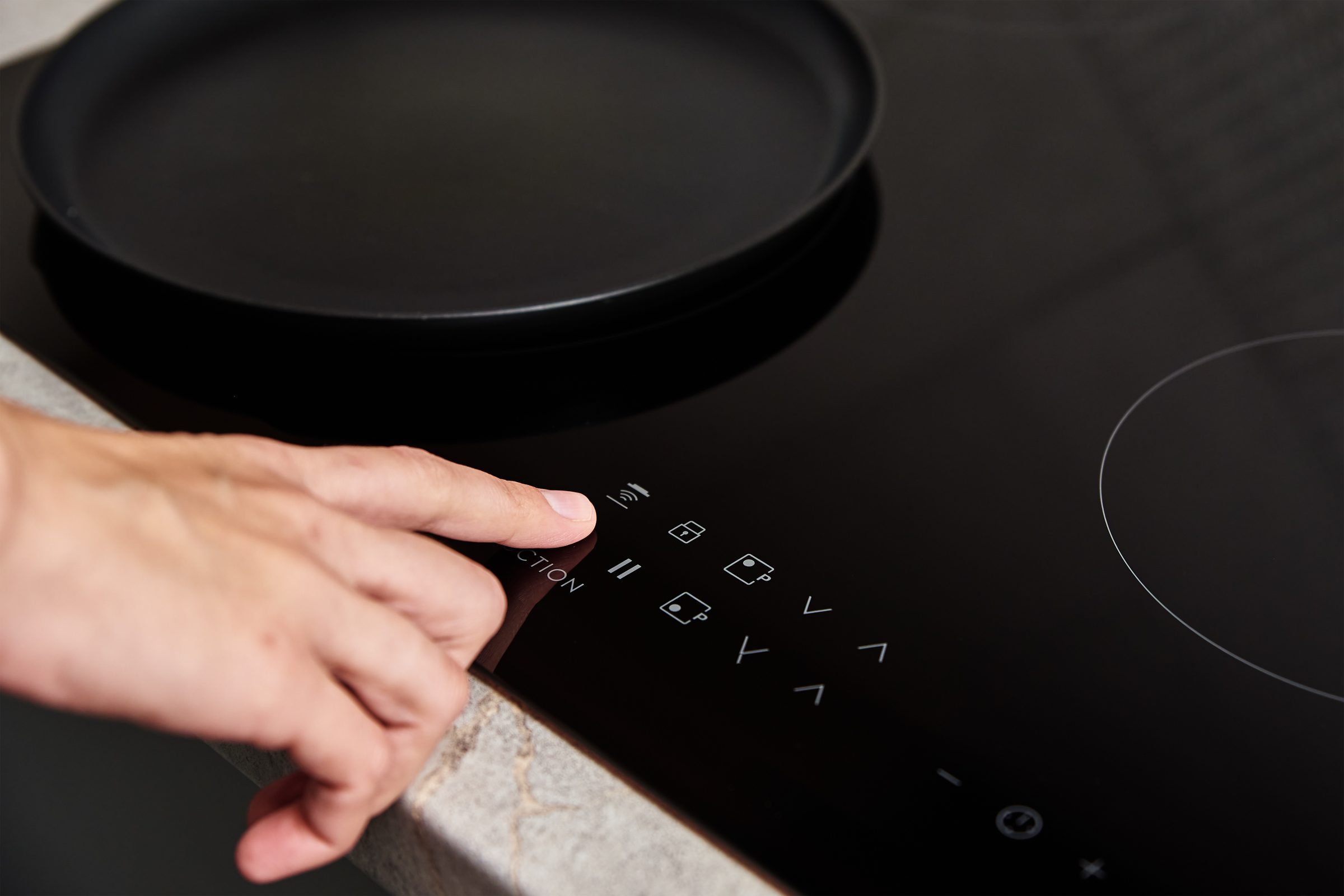
A control lock is a press-and-hold, not a press. Find the pad — it is usually marked with a padlock, or shares a key with something else and says Lock or Control Lock underneath — and hold it for three seconds until the machine beeps or the padlock symbol clears. On an oven or a range the pad is often the one marked Lock or Off; on a cooktop it is a dedicated key at one end of the touch strip; on a dishwasher it lives on the top edge of the door, which is why nobody finds it with the door closed; on a microwave it is frequently shared with Stop or Cancel. If holding it does nothing, the second free thing to try is a full minute at the breaker — off, sixty seconds, on — which clears a control that has latched rather than locked. Between them, those two steps end a large share of the calls that come in as a dead panel.
The full guide
How to unlock Jenn Air microwave panels, and the call we would rather you did not make
Of everything that comes in as "the panel is dead", a meaningful share is a control lock somebody engaged without meaning to. The appliance is working perfectly. It has been told to ignore instructions, and it is doing that faithfully.
The two look identical from the front. Nothing responds, the machine will not start, and on many models the display carries on showing the time as though nothing were wrong. There is no reason an owner should know the difference — which is why this page starts with the check rather than the theory.
On a JennAir the lock is on more machines than most people expect: the wall ovens and ranges, the cooktops, the dishwashers and the microwave drawer all have one, and the key is in a different place on each.
The Two Free Steps, In Order
1. Look for the padlock
Before touching anything, read the display. A lit padlock symbol, a key, or the letters Loc, LOC or Lock anywhere on it means the machine is locked and nothing else is wrong.
Not every model shows one, and its absence proves nothing. But if it is there, you are done diagnosing.
2. Find the pad, and hold it
This is where most attempts fail, and it fails in the same way every time: people press the button instead of holding it.
The lock is deliberately awkward to engage and disengage. A quick press does nothing, because a quick press is exactly what the feature exists to ignore. Hold for three seconds — count them — until the machine beeps or the padlock clears. A few models want five.
Where the pad lives, machine by machine:
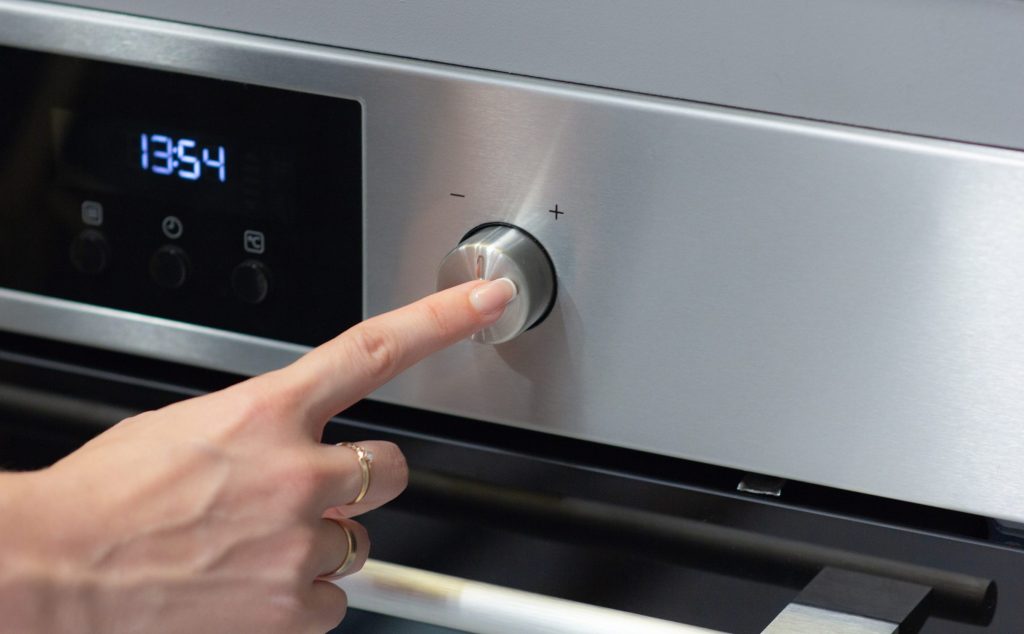
- Wall oven and range. Frequently the key marked Lock, sometimes Off or Cancel, with the lock function named in small print underneath. On models with a knob-and-display fascia it may be a dedicated key beside the display.
- Cooktop. A dedicated key at one end of the touch strip, usually marked with a padlock. On induction models it is often the leftmost or rightmost control of the row.
- Dishwasher. On the top edge of the door, alongside the cycle controls — which is why nobody finds it. The panel is invisible with the door shut, so an owner looking at the front of a closed dishwasher is looking at a machine with no controls on it at all.
- Microwave, including the drawer. Usually shared with Stop or Cancel. Hold it rather than pressing it.
- Refrigeration. Where a column has a touch interface, the lock is generally inside the door rather than on the front, and on many panel-ready models it is on a control set behind the door itself.
3. If that did nothing: one full minute at the breaker
Not the appliance's own power button. The breaker.
Off. Sixty seconds. On.
The minute matters. A control board stays alive for several seconds after power is removed, and a quick flick changes nothing at all — which is why "I tried turning it off and on" so often means "I did not actually reset it".
What this fixes is a control that has latched rather than locked: a board that has stopped responding with nothing broken behind it, usually after a brownout, a surge, or a storm. In South Florida that is not a rare event, and this maker's own published instruction for a large share of its error codes is precisely this minute.
What It Means If Both Failed
A panel that is still unresponsive after a three-second hold and a full minute at the breaker has an actual problem, and now the call is worth making. The likely candidates, in the order we see them:
Moisture behind the membrane. Common on cooktops and on any panel that gets wiped daily. It usually starts intermittently — one key that needs two presses — and becomes permanent.
A failed membrane or touch board. The layer under the glass that registers a press. It is a part, and it is a repair rather than a replacement of the appliance.
A control board that has genuinely failed. Less common than people assume, and the reason we run the two free steps first is that it looks exactly like the two free steps.
Power that is not what it should be. Worth mentioning because it is invisible: a machine on a circuit that has lost one leg of its supply can light its display and refuse to do anything. If several appliances have gone odd at once, say so when you call — it changes the diagnosis entirely.
Before You Book
If you are calling anyway, having run both steps saves the visit real time. Tell us:
- whether a padlock symbol was showing;
- which pad you held and for how long;
- whether the breaker minute changed anything at all — even briefly;
- whether the display is lit, dark, or showing the time.
Those four sentences frequently settle whether the appointment is about a control board or about something upstream of it, before anybody is standing in your kitchen.
If it turns out to be a repair
What this leads to, and what it costs
Every job on this site is priced the same way: an on-site diagnostic first, the figure agreed in writing before anybody starts.
-
from $275 Cooking control & display repair
A panel that lights and ignores you, a display that has gone dark, or an appliance reporting a code with nothing visibly wrong. The board is never ordered on the strength of a code alone.
- A full minute at the breaker tried first, because it often works
- Touch panel and control board told apart by measurement
- What the board reports on measured before the board is blamed
-
Single · Double · Microwave combination · Speed oven · V2 convection · 27" · 30" Wall ovens
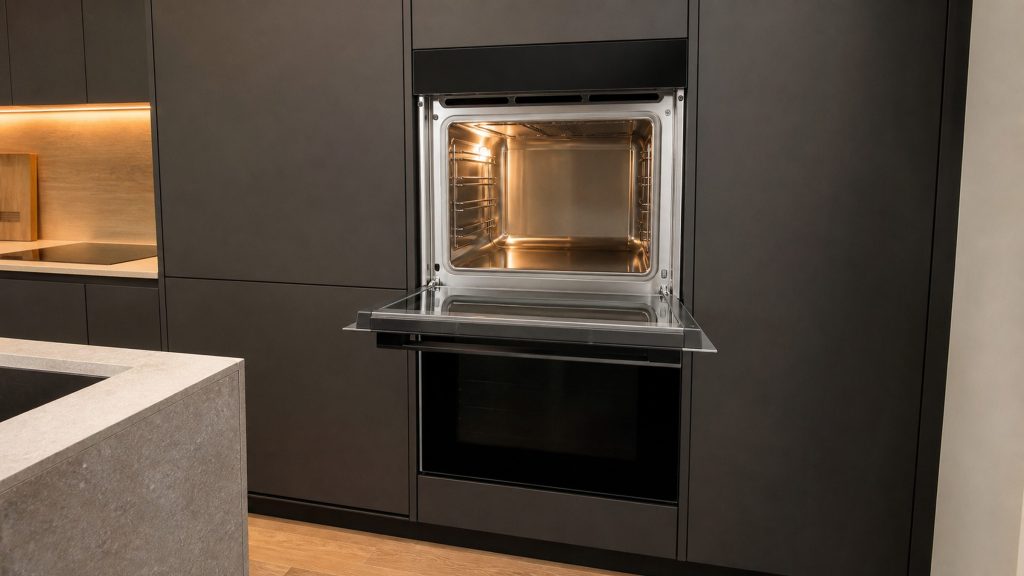
Twenty machines: single ovens, double ovens, the microwave-combination towers that are two appliances in one cabinet, and the speed ovens. Almost all of them are built into a run of cabinetry, which decides more about the appointment than the repair itself does — a wall oven has to come out of its housing before anybody can reach the back of it.
- Heating to the wrong temperature, or taking far too long to get there
- The convection fan running loud, or not running
- A control panel that lights and will not respond
Questions people ask about this
Why does my appliance have a lock at all?
So that wiping the panel does not start the oven and a small hand cannot turn a burner on. On a touch-control cooktop it is genuinely useful — the whole surface is a control, and a pan set down carelessly is a press. The trouble is that the same feature, engaged by accident, produces an appliance that ignores every command and looks broken.
I held the button and nothing happened.
Three possibilities, in order. You may be holding the wrong pad — on several machines the lock is not the key you would guess, and the small print under it matters. You may not be holding it long enough; three seconds is longer than it feels when a machine is not responding. Or the control has latched rather than locked, which the breaker step clears.
What does a minute at the breaker actually do?
It removes power from the control board long enough for it to lose its working memory and start again. A moment is not enough — capacitors hold the board alive for several seconds, and switching off and straight back on frequently changes nothing at all. It is the single most useful free step in appliance work, and on this maker's platform it is the entire published instruction for a large share of error codes.
My oven door is locked as well as the panel.
That is a different lock and a real one. An oven that has run a self-clean cycle keeps its door latched until the cavity has cooled, and that can take an hour or more after the cycle ends. If the door is still locked once the oven is cold, the latch motor or its switch has stopped partway, and that is service work rather than a setting.
The panel unlocks and then locks itself again.
Worth a call. A lock that re-engages on its own is not somebody leaning on a pad — it points at moisture behind the panel, a membrane that has begun to fail, or a control reading a press that is not happening. It is a small problem while it is intermittent and a dead panel later.
Does this apply to every appliance in the kitchen?
Every machine on this make has some form of control lock, and the pad is in a different place on each. That is the whole reason this page exists: people look for a padlock button, do not find one, and conclude the appliance has failed. Nine machines, nine slightly different answers, and the same three-second hold behind all of them.
Troubleshooting
More guides like this one
-
F2E1 Is Two Numbers. Reading It as One Loses the Diagnosis
Four characters on a small display, and almost everybody reads them as a single token. They are two halves with two different jobs, and treating them as one is how people end up looking up somebody else's problem.
Read more -
Storm Week: Most of These Appliances Are Not Broken
In the week after a storm a large share of the calls we take are appliances reporting an outage rather than failing. Three free steps clear most of it, and the least dramatic one is the one that fixes the most.
Read more -
Your JennAir Downdraft Runs and the Kitchen Still Fills With Steam
Five things stop a downdraft and three of them are not the appliance. Here is the order to check them in, starting with a test that costs nothing and a filter most people have never taken out.
Read more
Tell us the model number and what it is doing.
This article is based on:
- Official manufacturer documentation
- Internal repair procedures
- Technician repair history
- Company quality standards